
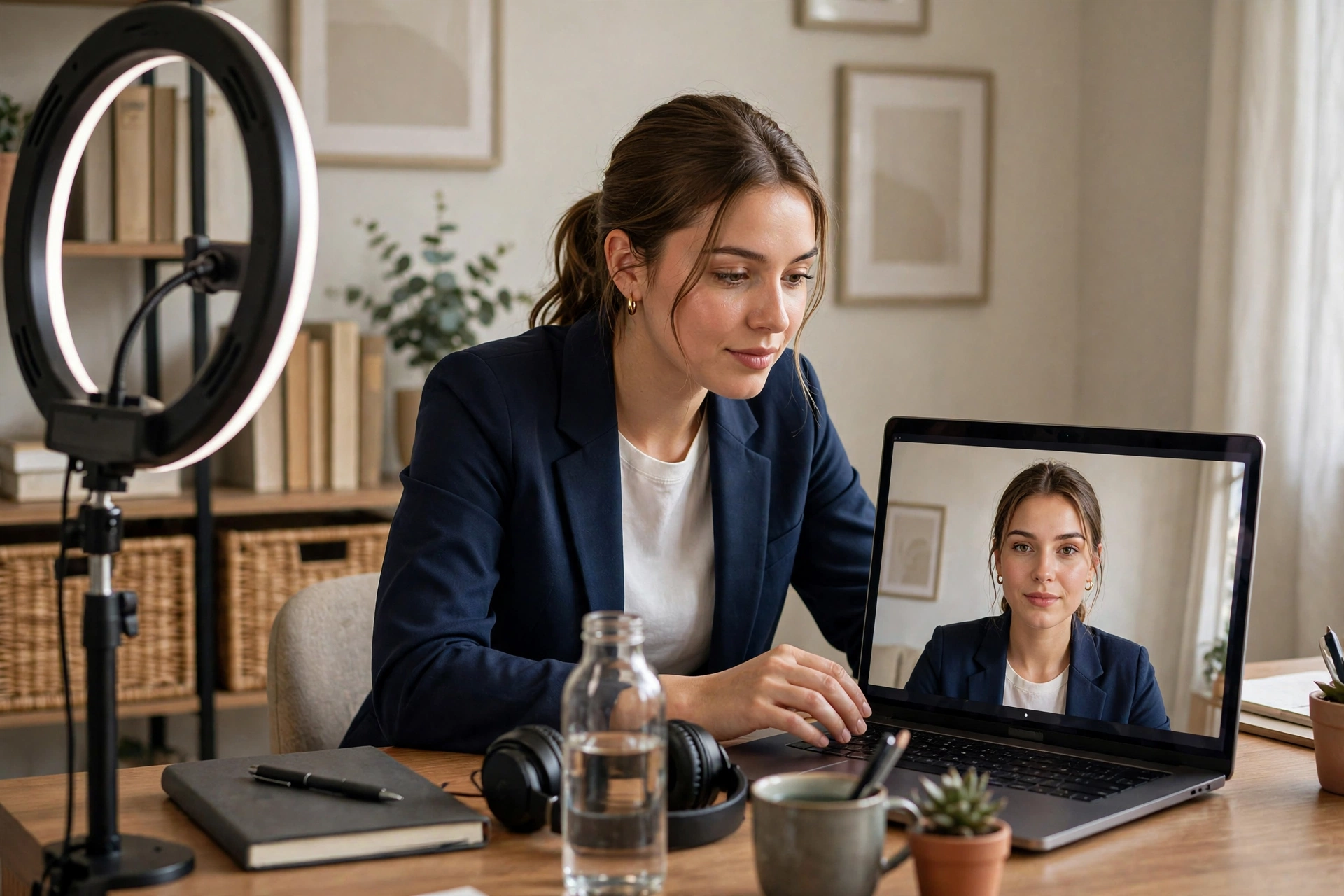
Video interviews are now a standard step in hiring — for remote roles they may be the entire process, and for office roles they are the most common first-round format. They feel casual, but that is exactly the trap: candidates prepare less for a video call than for a trip to an office, and small technical or environmental mistakes create a poor impression before you have said a word. This guide covers complete video interview preparation, from your tech setup to the body language details that win offers.
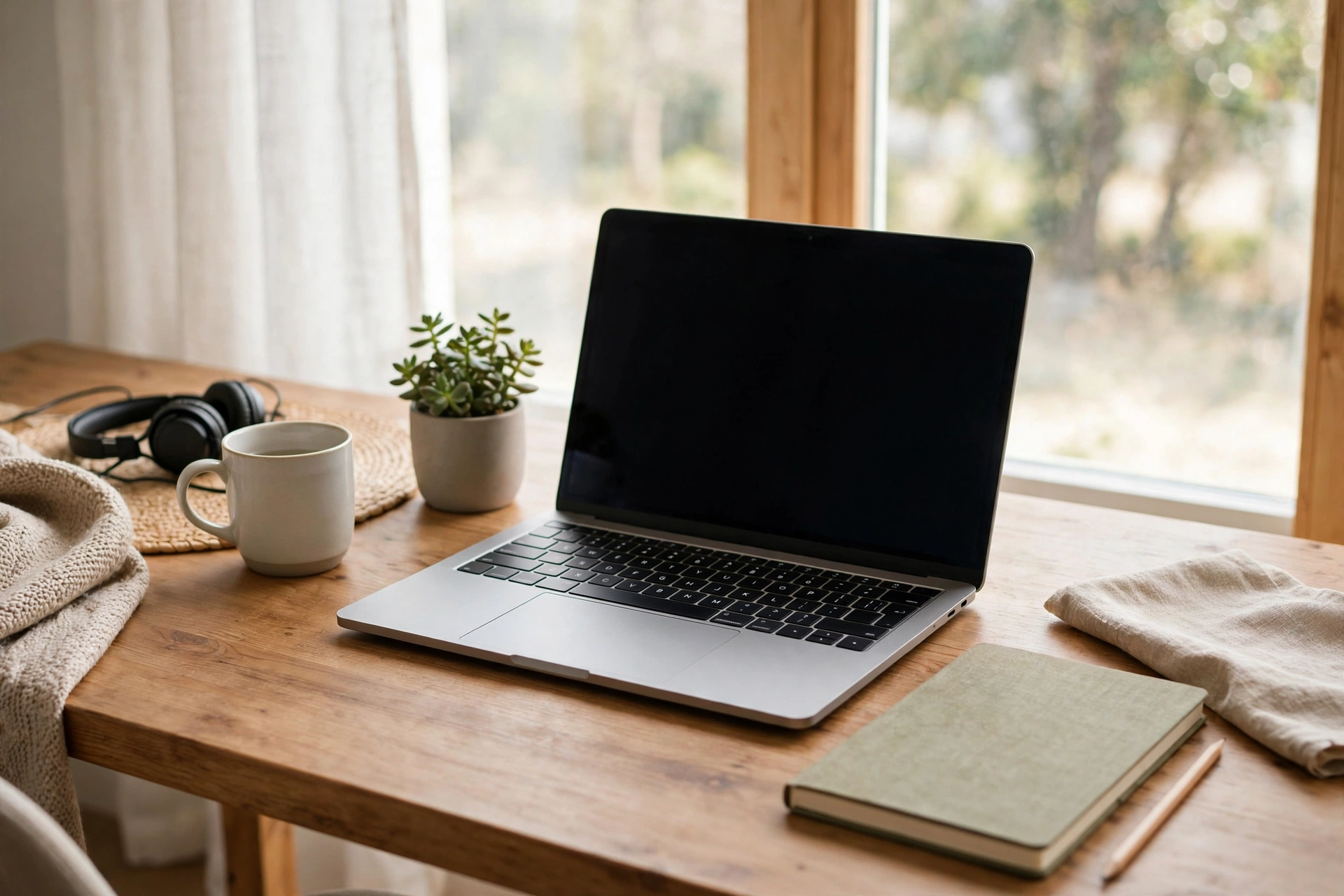
Your Tech Setup: The Non-Negotiables
Sort these out at least a day before the interview:
- Platform: confirm which tool they use (Zoom, Teams, Meet) and install it in advance. Join from a proper device, never a phone if you can avoid it.
- Internet: use a wired connection or sit near your router. Test your speed — video needs roughly 10 Mbps up and down to stay smooth.
- Audio: your laptop microphone is usually fine in a quiet room, but test it with a friend. If you have earbuds with a mic, use them.
- Camera: position it at eye level — stack books under your laptop if needed. Looking down into a camera reads as disengaged; looking up your nose is worse.
- Backup plan: keep your phone charged with the app installed in case your computer fails, and have the interviewer's phone number handy.
Lighting and Background
You do not need a studio — you need not to look like a silhouette. Face a window or place a lamp behind your camera so light falls on your face. Then check your background: a tidy bookshelf, a plain wall or a blurred virtual background all work. What does not work is a messy bedroom, a busy kitchen, or anything that moves — ask housemates for quiet during your slot. A quick test recording on your phone tells you more than any checklist.
Dress Like It Is an Office Interview
The "business on top, pyjamas below" joke is funny until you have to stand up. Dress fully as you would for an in-person interview — it changes how you carry yourself, and you will feel the difference in your confidence. Solid, muted colours read best on camera; avoid busy patterns that shimmer on screen and large jewellery that catches the light.
Body Language on Camera
Video flattens your presence, so you have to work slightly harder:
- Eye contact means the lens: look into the camera, not at the faces on screen, especially when answering. It feels odd but looks like confidence.
- Sit upright and still: leaning back reads as casual; swaying or fidgeting is magnified on video.
- Use your hands naturally: gestures are fine, but keep them within frame and slow down slightly.
- Smile and nod: small acknowledgements replace the nods and murmurs of a real room — without them, you can seem frozen.
The core interview skills are the same as ever, so refresh those with our job interview preparation guide — this article covers what is different on camera.
Common Video Interview Mistakes to Avoid
- Reading notes visibly: glancing at bullet points is fine; reading paragraphs aloud is obvious and unimpressive.
- Multitasking: never check messages or email during the call — wandering eyes are unmistakable on camera.
- Starting late: join the call five minutes early. "Technical difficulties" as an opening line is a terrible first impression.
- Forgetting the room: lock the door, silence notifications on every device, and put pets elsewhere.
- Ending abruptly: close with the same warmth as an in-person interview — thank them, confirm next steps, and wait for the goodbye before clicking leave.

Handling One-Way Video Interviews
Some employers use recorded one-way interviews: you get a question, a short preparation window, then record your answer. Treat these like a performance — do two practice takes per question if the platform allows, keep answers under two minutes, and remember that energy matters even more when nobody is reacting. Smile before you start speaking; it sets your tone.
After the Call
Everything that applies after an in-person interview applies here too — including the thank-you. And if video interviewing is your gateway to working from home permanently, our guide to succeeding in remote work will help you thrive once you land the role.
The Muse's list of video interview tips covers more on-camera details that can help you stand out.
Conclusion
Good video interview preparation is mostly logistics: test your tech, fix your light, tidy your background, dress properly and practise looking at the lens. None of it is glamorous, but together it removes every distraction between you and the interviewer — leaving only what matters: your answers. Handle the setup, and you walk into the call with one less thing to worry about and one more reason to be hired.



Comments (0)
Leave a Comment